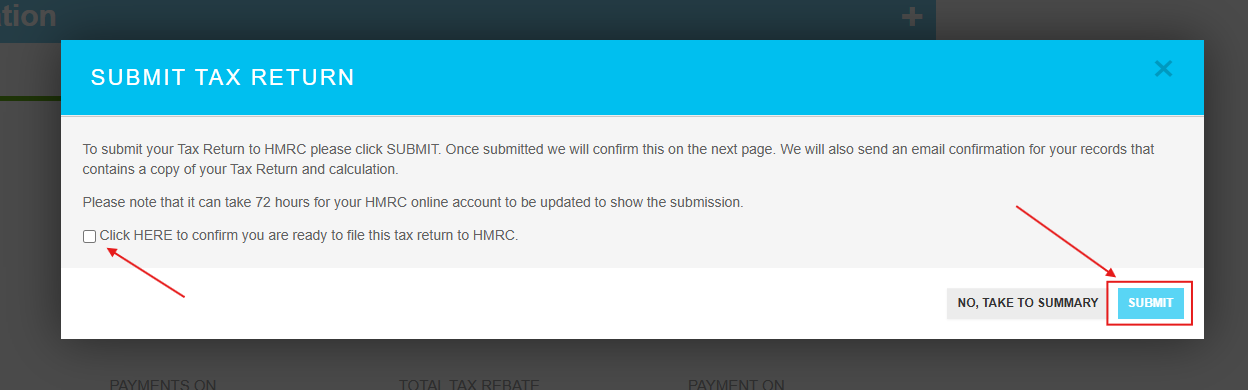
How do I submit my Self Assessment?
*Please note you will require a HMRC login in order to successfully submit your return
Click VALIDATE MY TAX RETURN or SAVE & CONTINUE
Click YES to proceed
Select Yes or No in all the Relevant Radio Button Options, please be sure to scroll down the page so you do not miss any questions.
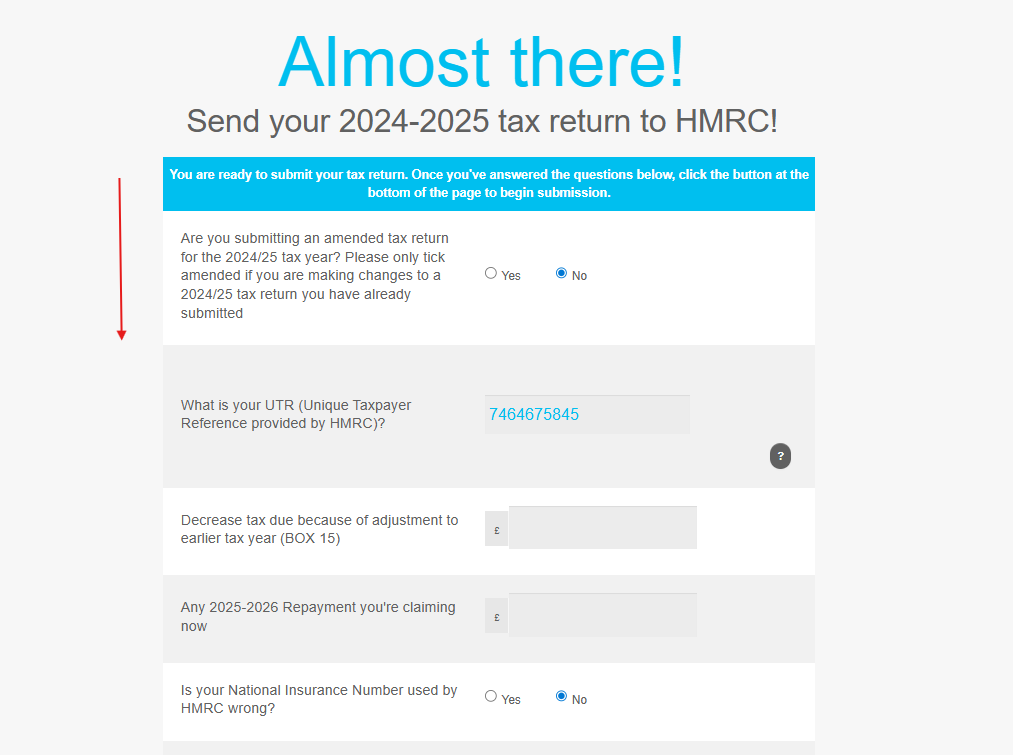
Enter Payment Details if not already paid.
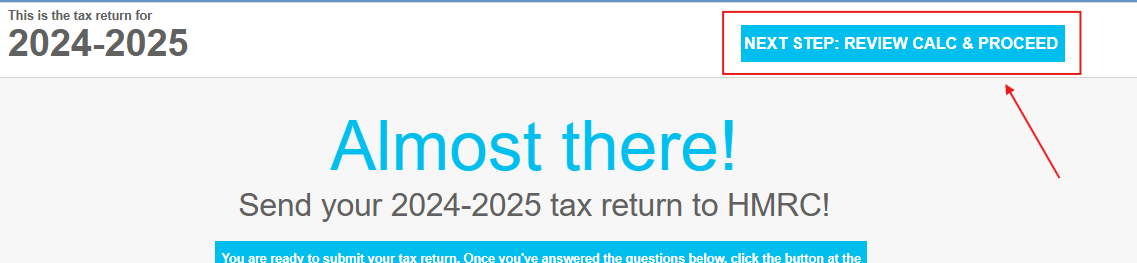
Select Review Calculation and Proceed
Choose whether you would like to file using GoSimpleTax credentials (ID check) or use your own HMRC credentials (with self assessment activated)
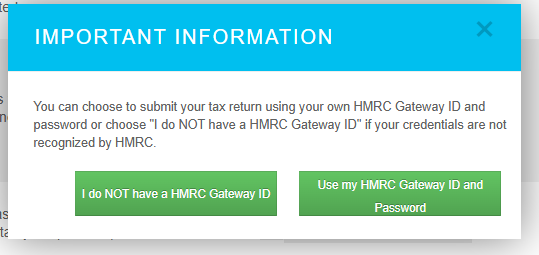
If you have chosen 'I do NOT have a HMRC Gateway ID', you will need to complete our ID checking process and we suggest you follow this help article from now on. However, if you have your own HMRC Gateway ID, please continue...
Enter your HMRC credentials (what you use to log into your self assessment record with HMRC)
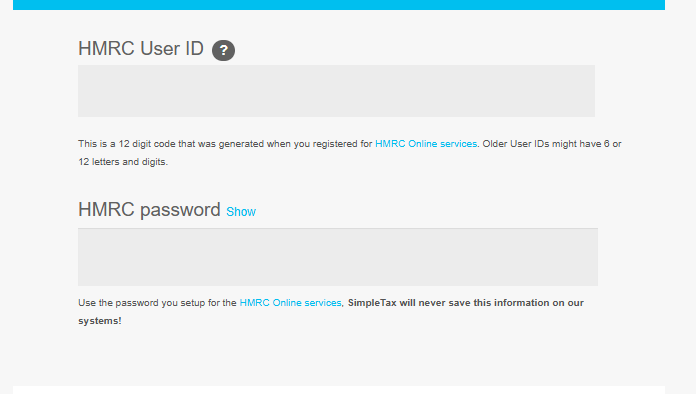
After you have entered your details, scroll back to the top of the page and click Next Step: Review calc & proceed
Review your tax calculation by pressing the '+' symbol to unhide it or review the payment details underneath.
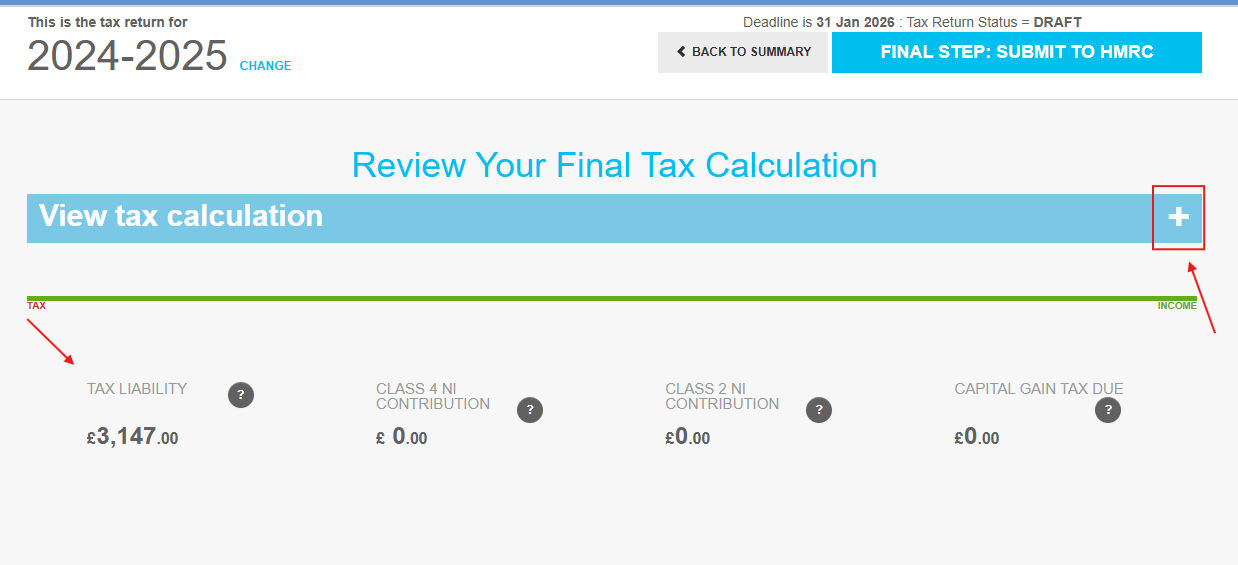
Once you are happy to proceed, press 'Final step: Submit to HMRC

Tick to confirm you are happy to proceed with the submission and then click Submit