How do I upgrade from an 'Individual' paid plan to a 'Friends & Family' plan?
1. Click 'ADD PERSON' located at the top of the screen
2. Enter the amount of users you want to add to your plan and then click 'BUY NOW'
3. Proceed to payment with a payment method of your choice and then click 'Subscribe'
4. Click 'ADD / SWITCH' located at the top of the screen to access the new users you have added
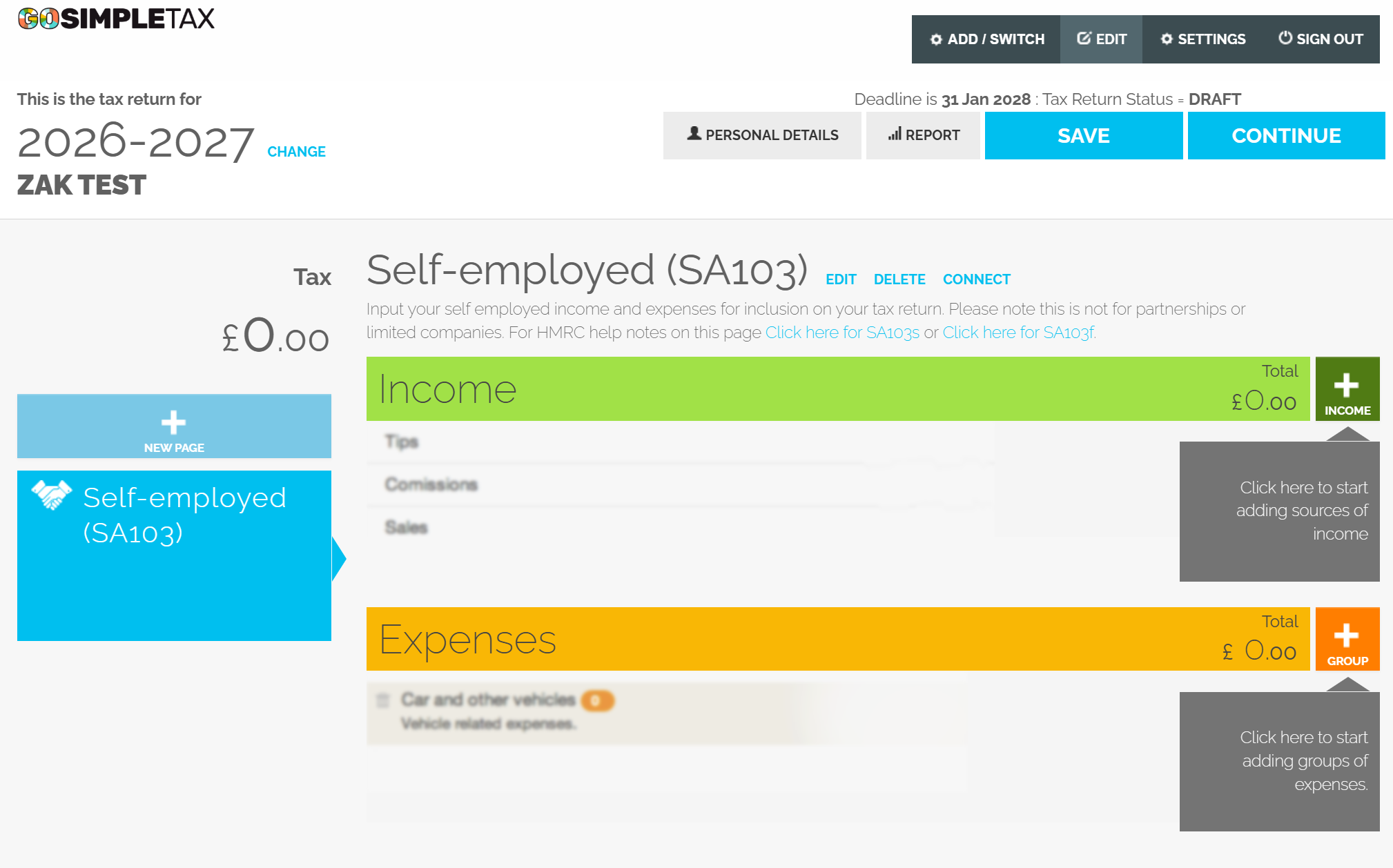
5. Here you will be able to switch between users on your account
estoriginalRemove