SA100 : My address isn't showing on my tax return PDF
Your address will not show up on your tax return PDF unless there has been a change during the tax year.
If you need to report an address change, we have provided instructions below which will guide you through how to do this:
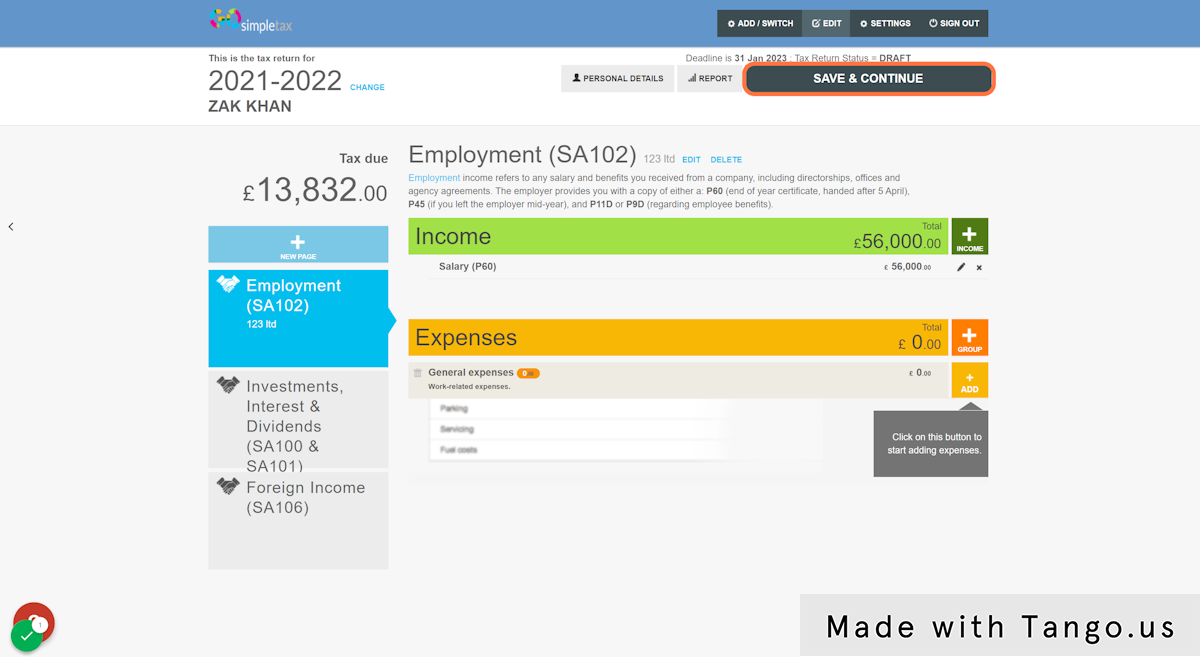
1. Update your address within 'PERSONAL DETAILS' and then click 'SAVE & CONTINUE' located on the top right hand side of the screen
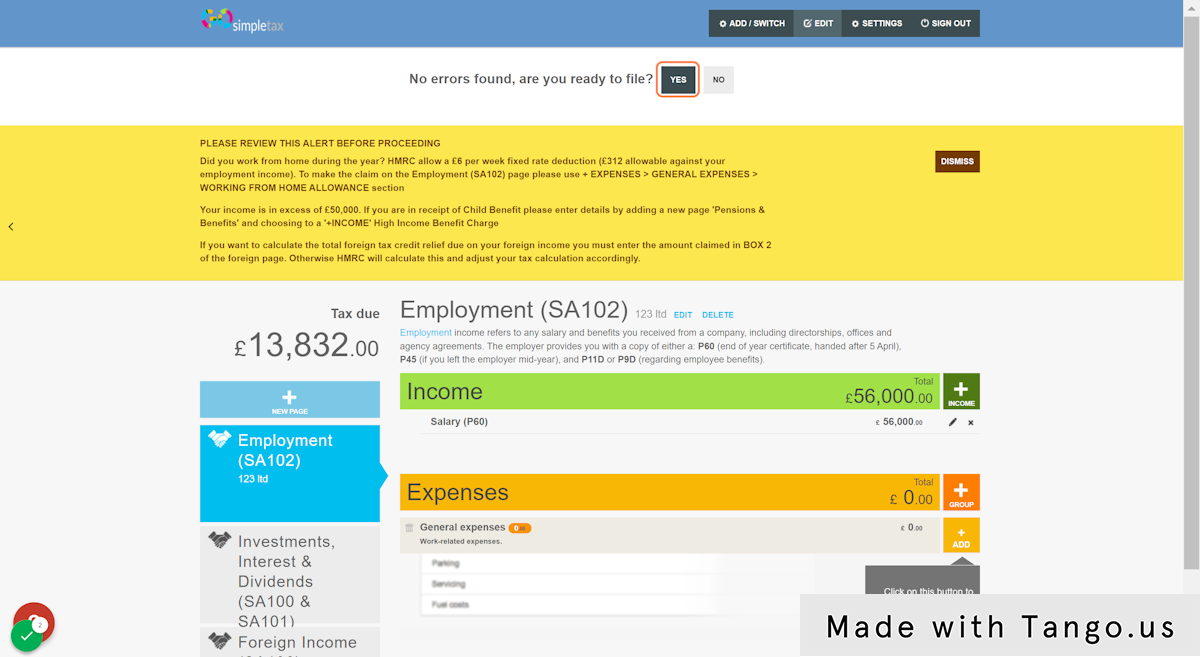
2. Click 'YES' if you're ready to file
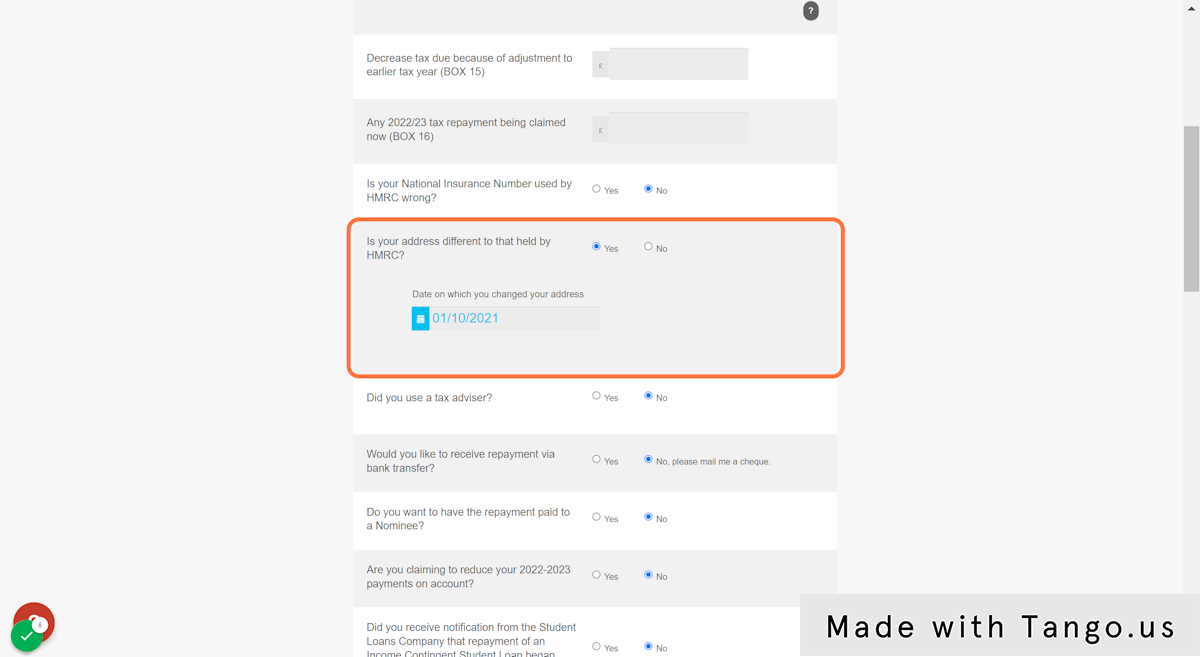
3. Once you're on the 'Almost there' page, you will find this question.
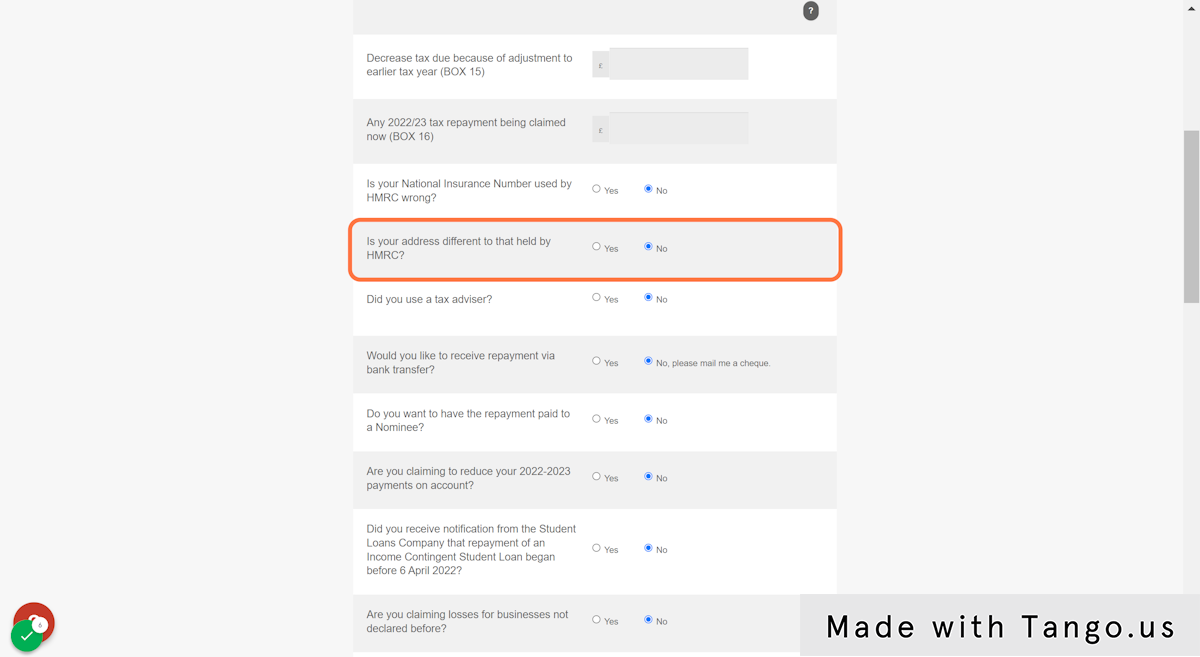
4. As your address is now different, click 'Yes' and enter the date that your address changed
5. Click 'SAVE' at the bottom of the screen once you are finished
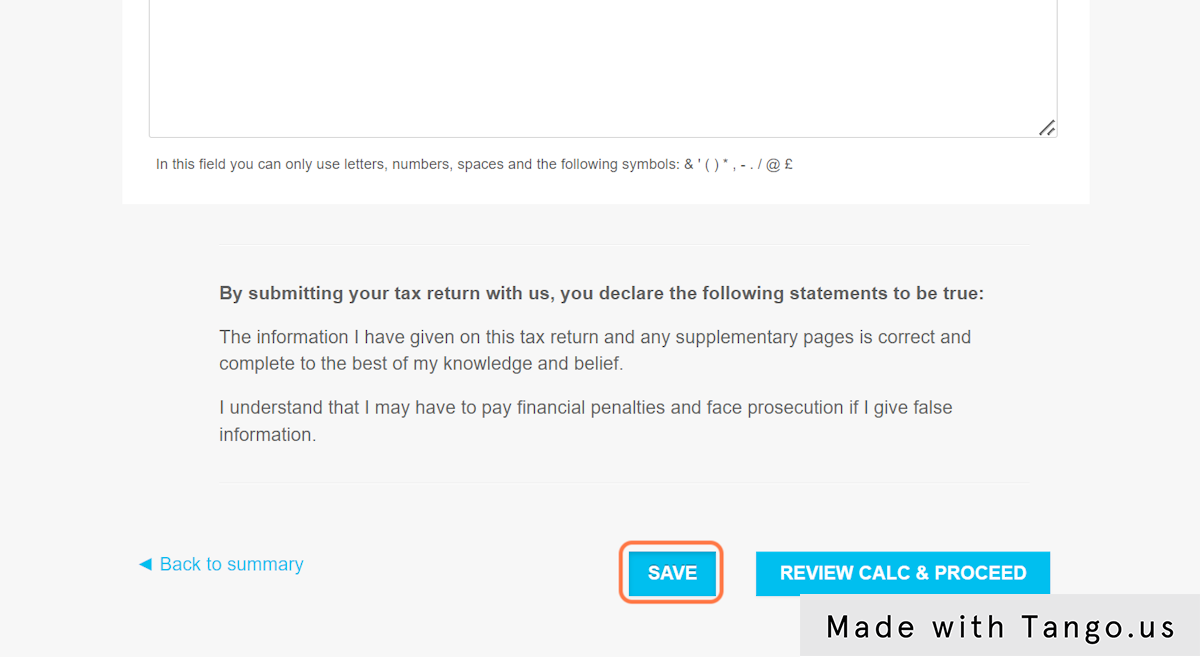
6. Click 'REVIEW CALC & PROCEED' if you are ready to proceed